
Path: Workspace Homepage >> Navigation Panel >> Settings >> Community >> Integrations >> All Apps >> Trello
| What is Trello Integration? |
|---|
| Trello Integration is a feature that connects an IdeaScale community to Trello, giving the Community Administrator real-time tracking of idea-related updates on Trello cards. |
Trello boards create a shared space for teams to organize, collaborate, and share information to accomplish their business goals. Connecting a community to Trello allows updates on linked ideas to be reflected on Trello cards as they progress.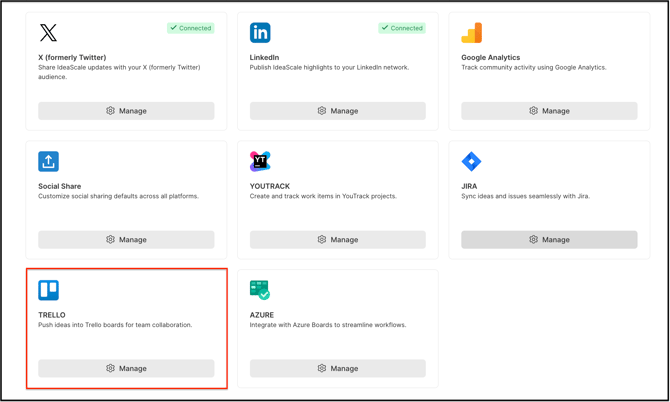
Role Permissions
- Community Administrator: whether Members can also configure this integration, as this was unresolved during review): Connects the community to Trello by entering the Trello API key, authorizing the connection, and configuring the Project and List used for tracking.
TABLE OF CONTENTS
Connecting to TrelloConfiguring the Integration
Frequently Asked Questions
Connecting to Trello
- Log in to Trello.
- Navigate to https://trello.com/app-key and copy the API key displayed on the page.
- Go to Community Topbar >> Apps icon >> Community Settings >> Integration >> App Directory.
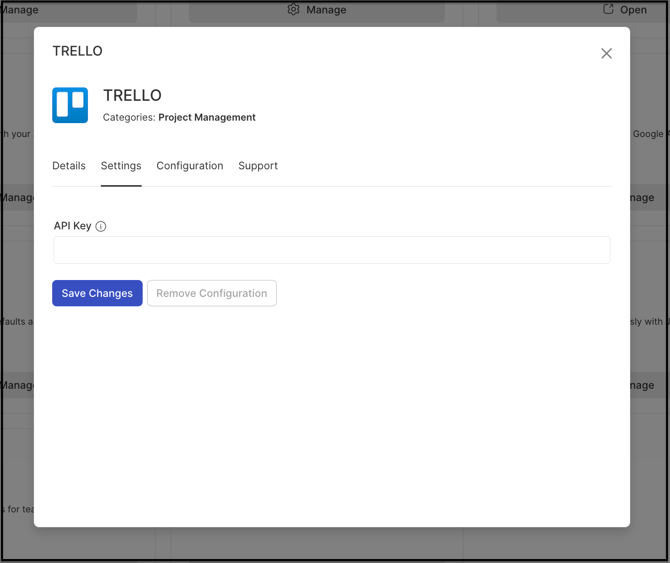
- Locate Trello and select Settings.
- Paste the copied API key into the Key field.
- Select Save.
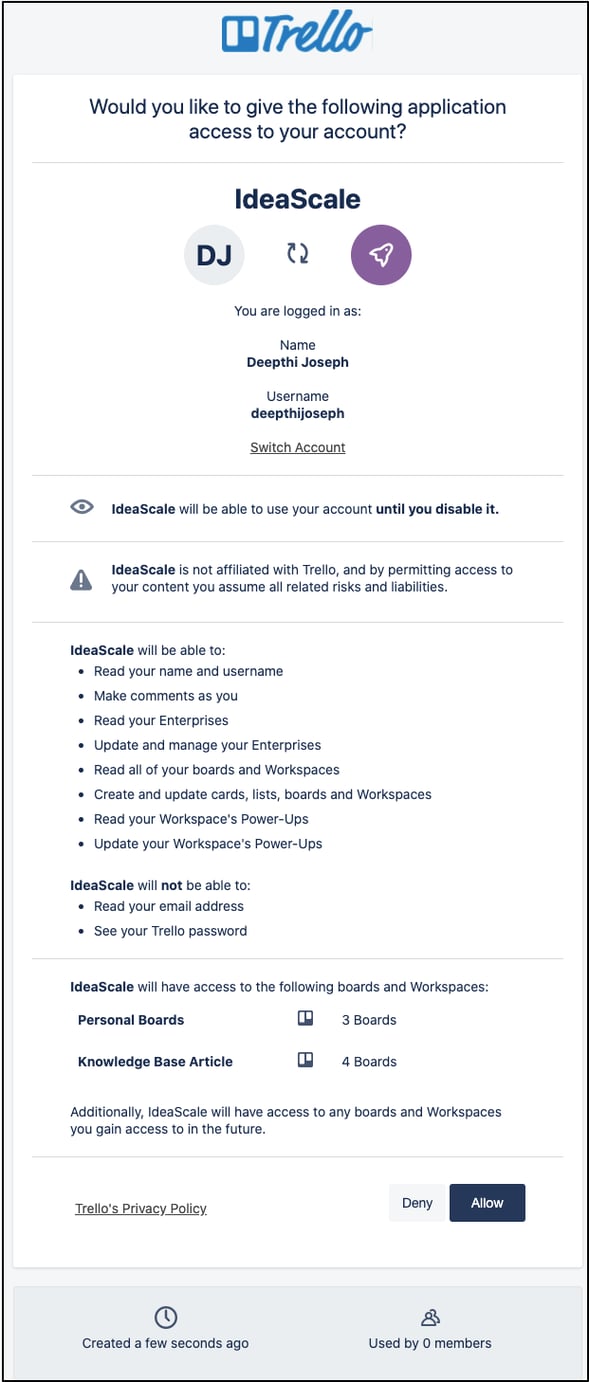
7. Select the Authorize button once it is displayed.
8. Select Authorize in the resulting prompt to complete the connection.
Configuring the Integration
9. Navigate to the Configuration tab
10. Choose the Project from the dropdown list and click on Save
11. Choose a List from the dropdown list and select Save.
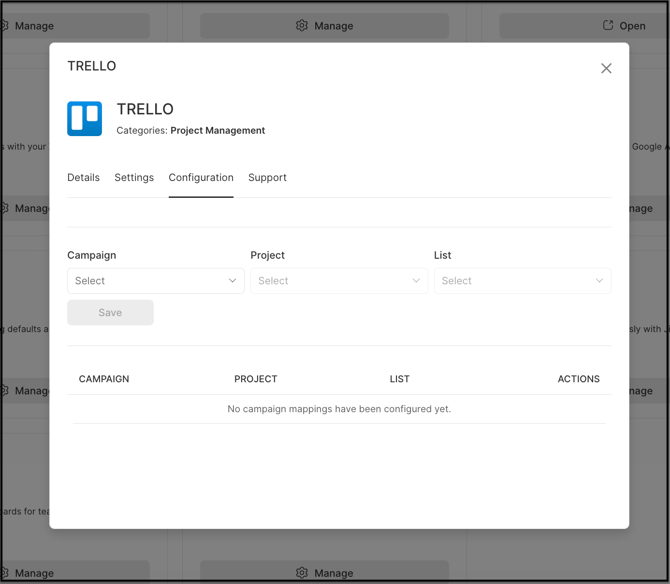
Note: The configuration can be removed at any time from the Settings tab by selecting Remove Configuration.
Frequently Asked Questions
What is required to connect a community to Trello?
A valid Trello API key is required. It is obtained by navigating to https://trello.com/app-key while logged in to Trello, then pasting it into the Key field under the Trello Settings tab in the App Directory.
How is the connection to Trello authorized?
After the API key is saved, an Authorize button appears. Selecting it and then selecting Authorize in the resulting prompt grants IdeaScale access to Trello, completing the connection.
Can the Trello Integration configuration be changed after setup?
Yes. The Project and List selections can be updated at any time from the Configuration tab, and the entire configuration can be removed from the Settings tab using the Remove Configuration option.
Related Articles