
Path: Workspace Homepage >> Navigation Panel >> Settings >> Community >> Community Configuration >> Community Info >> Settings
The Settings section helps to set a community's status, defaults for all the members of the community and supported languages.
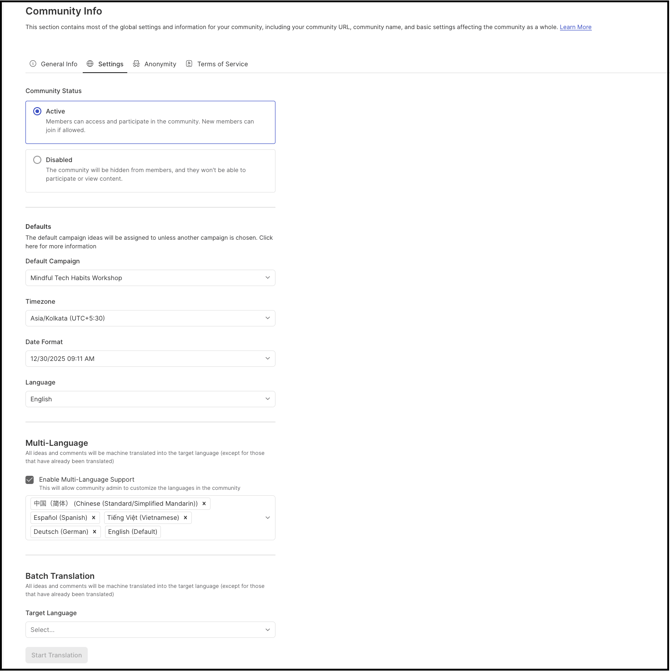
TABLE OF CONTENTS
Community Status
(NEW SCREENSHOT WITH DISABLED STATUS TEXT TO BE UPDATED)
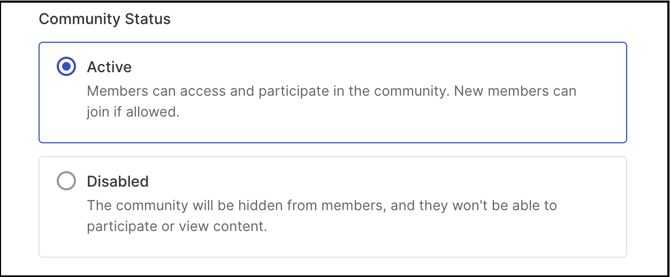
There are two community status options you can configure:
Active: Use this status when you want your community to be open and fully participatory. New members can join, and existing members can sign in, browse content, and contribute ideas, comments, and votes.
Disabled: Use this status when you need to temporarily prevent new activity while still preserving access to existing content. In a disabled community, all user-facing areas are read-only—no new ideas, comments, or other actions are allowed.
Moderators can access the Idea Management area and Moderator Dashboard in read-only mode.
Community Admins retain full access to Community Settings and can still perform administrative actions and comment on ideas.
Defaults
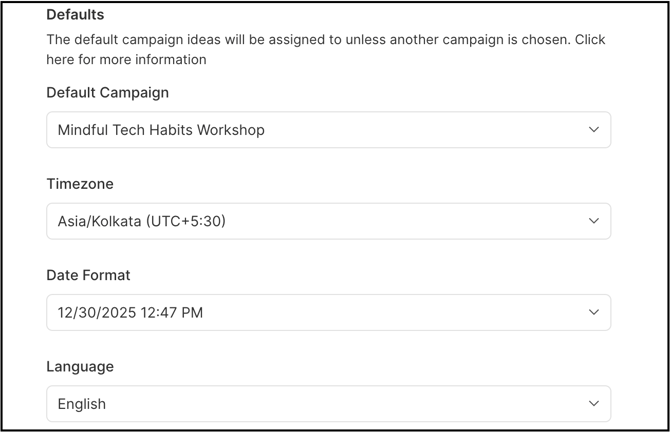
Defaults are preselected options that a Community Admin can configure for all community members. These settings provide a starting point, but each member can update the defaults in their profile to better match their own preferences.
Defaults can be set for the following:
Default Campaign: The default campaign appears as a preselected option on the idea submission form. Members can submit to this campaign or select a different one from the dropdown.
Timezone: The Community Admin can set a default timezone that is used to display dates and times for ideas, comments, and activity timelines. Individual members can override this by selecting their own timezone in their profile, so dates and times appear in their local time.
Date Format: The Community Admin can define the default date format used to display dates in the community activity timeline. Members can choose a different date format in their profile if they prefer an alternative representation of dates.
Language: The Community Admin can set the default language in which community content is displayed. Members may be able to select a different supported language based on their needs.
Multi-Language
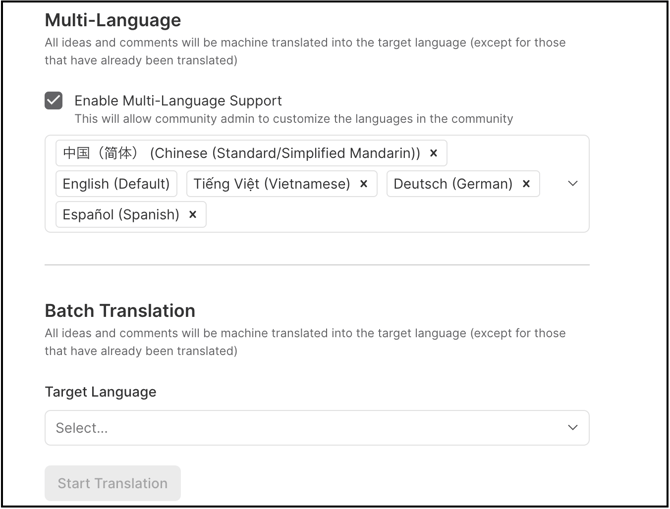
A Community Admin can configure multiple supported languages (two or more) for the community, allowing members to view community content in their preferred language.